


Mastering Your Craft: How to Effectively Use a Metronome in Music Practice
- Bhuvnesh Dutt
- Sep 14, 2024
- 3 min read

In the realm of music, practice is the key to perfection. Whether you are a beginner or an experienced musician, honing your skills requires dedication, discipline, and the right tools. One such tool that can significantly enhance your practice sessions is the metronome. This humble device, often underestimated, holds the power to elevate your musical abilities to new heights. In this guide, we will explore the art of using a metronome effectively in your music practice routine.
Why Use a Metronome?
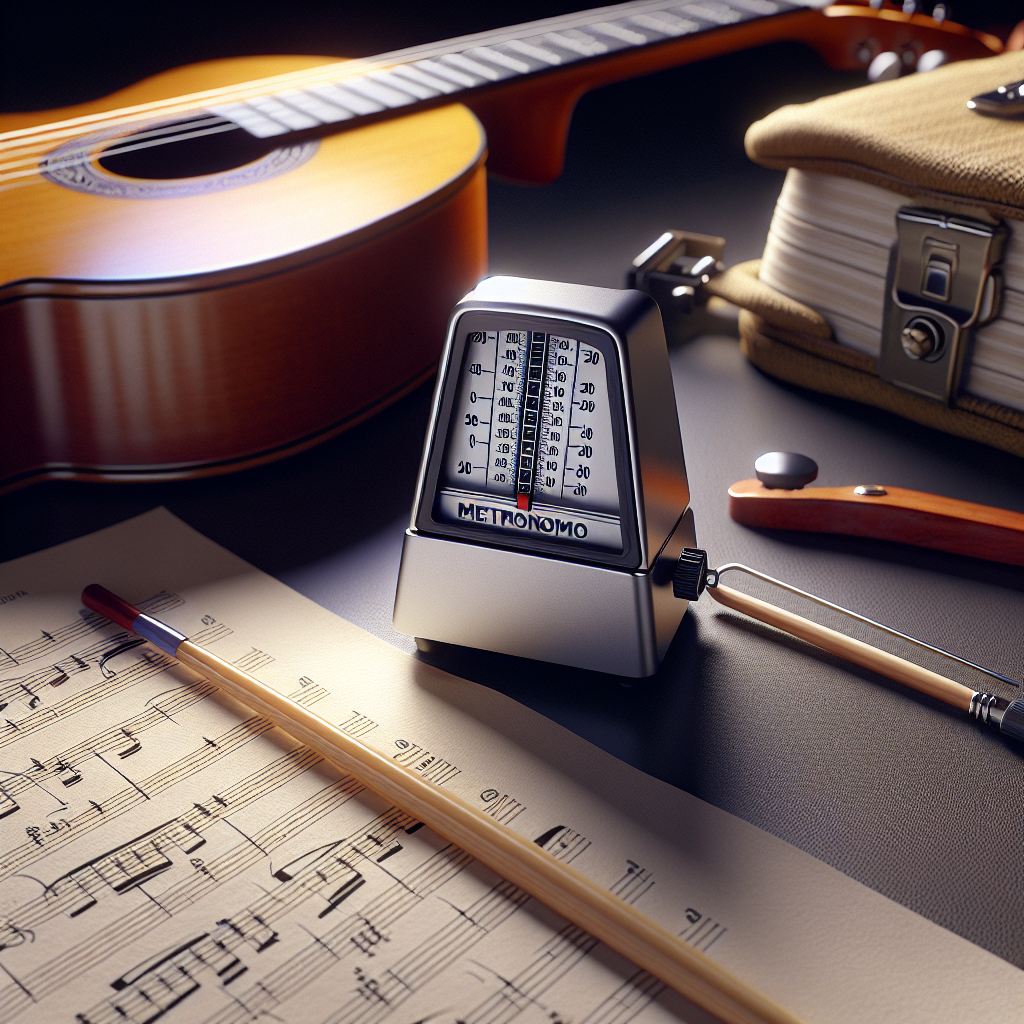
Before delving into the techniques of using a metronome, let's understand why it is an indispensable tool for musicians of all levels. A metronome serves as a rhythmic guide, helping you maintain a steady tempo and timing while playing or practicing. By providing a consistent beat, it aids in improving your sense of timing, accuracy, and overall musicality. Whether you are practicing scales, arpeggios, or complex compositions, the metronome acts as a reliable partner in your musical journey.
Getting Started
Now that we've recognized the importance of a metronome, let's dive into the practical aspects of incorporating it into your practice sessions. Here are some essential tips to help you make the most of this valuable tool:
1. Choose the Right Tempo
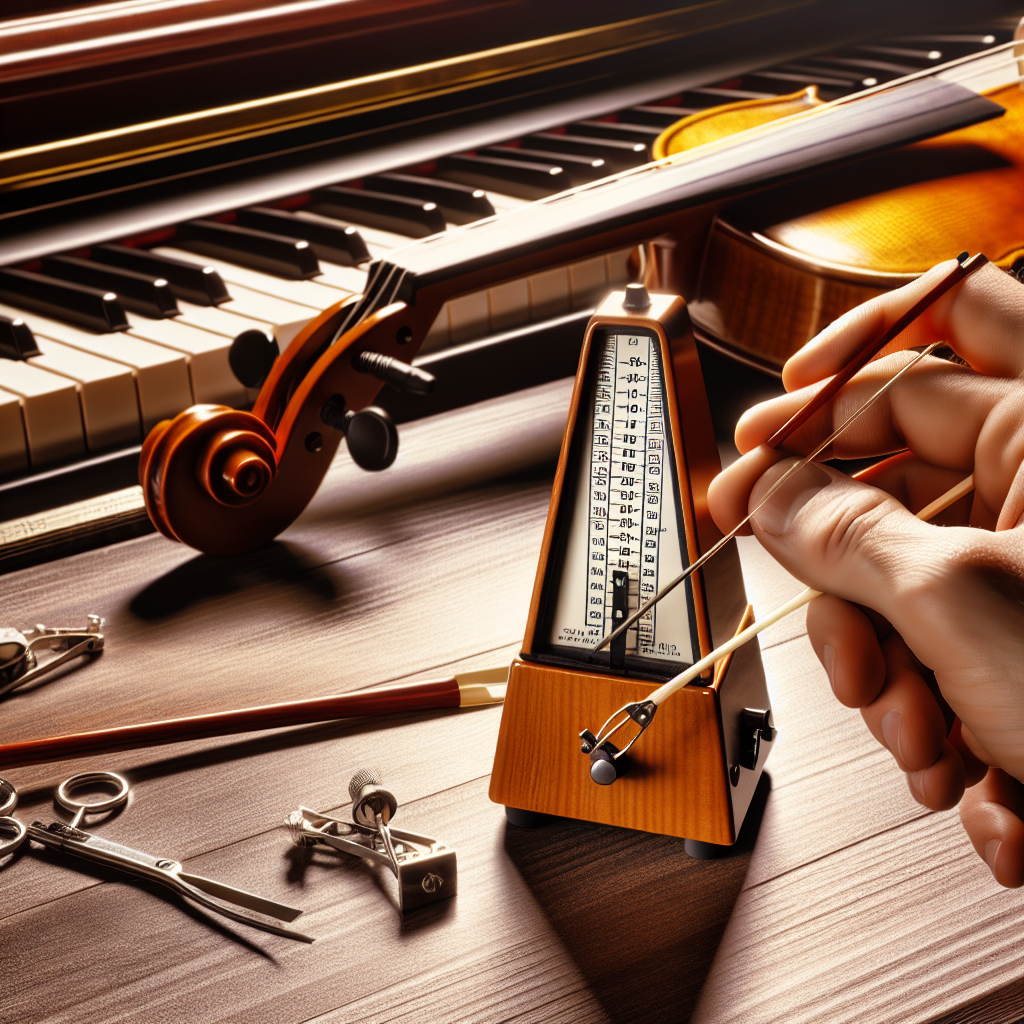
Selecting the appropriate tempo is crucial when using a metronome. Start with a comfortable tempo and gradually increase the speed as you gain proficiency. Remember, the goal is not just to play fast but to play accurately and in time.
2. Focus on Subdivision
Many metronomes offer the option to subdivide beats, such as eighth notes or triplets. Utilize this feature to enhance your rhythmic precision and internalize complex rhythms more effectively.
3. Practice with Variability
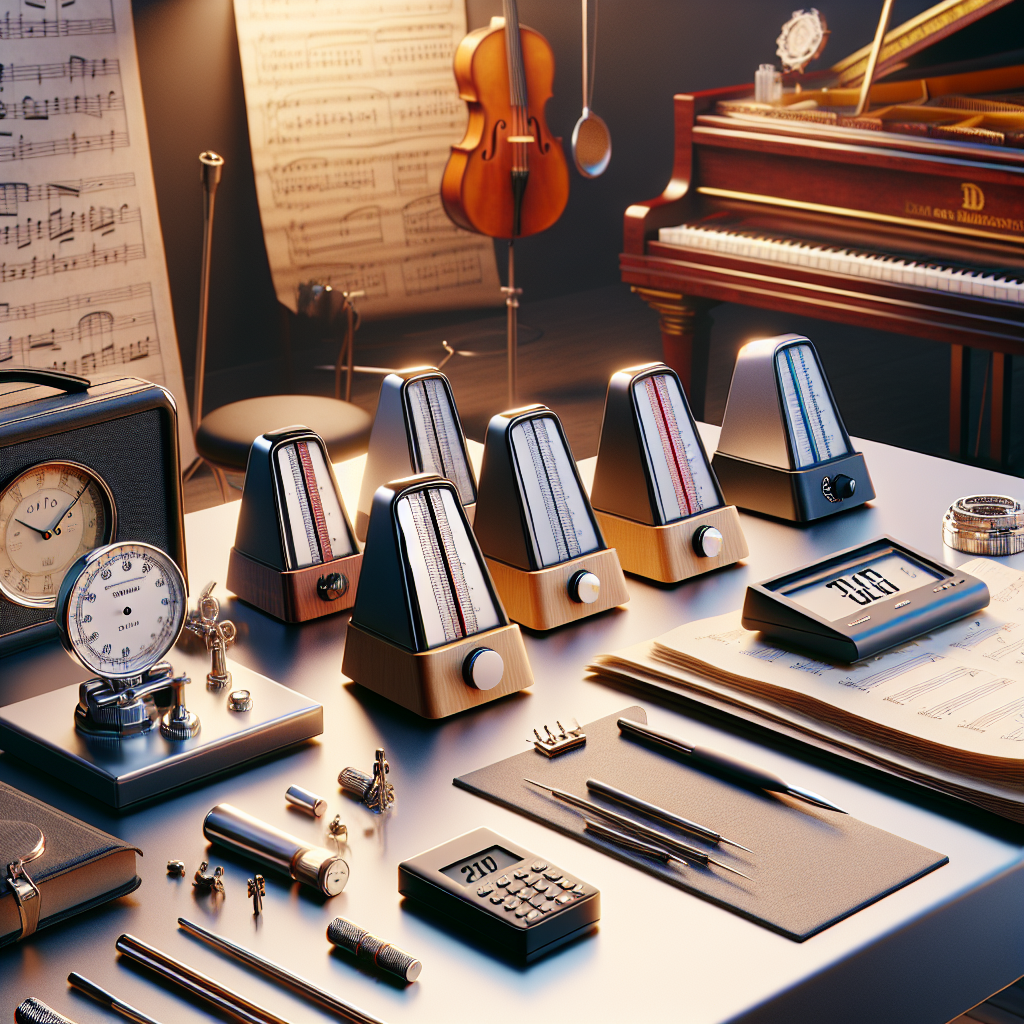
While consistency is key, it's also beneficial to practice with varying tempos. This helps in building flexibility and adaptability in your playing, preparing you for different musical contexts.
4. Use Sound and Visual Cues
Some metronomes allow you to choose different sounds or visual cues for each beat. Experiment with these settings to find what works best for you and keeps you engaged during practice.
5. Incorporate Rests
Don't forget to practice with rests in between notes or phrases. This will improve your timing during pauses and transitions, enhancing the overall fluency of your playing.
Benefits of Metronome Practice
Embracing a metronome into your practice routine offers a multitude of benefits that can significantly impact your musical progress. Here are some advantages of consistent metronome practice:
Improved timing and rhythmic accuracy
Enhanced focus and concentration
Better coordination between hands and fingers
Increased speed and agility in playing
Greater musical confidence and expressiveness
Elevate Your Practice with Technology
In today's digital age, there are numerous metronome apps available that offer advanced features and customization options. These apps provide a convenient way to practice with a metronome anytime, anywhere. Whether you prefer a traditional metronome or a digital version, the key is to leverage this tool effectively to elevate your musical skills.
Final Notes
In conclusion, the metronome is a simple yet powerful tool that can transform your music practice sessions and enhance your overall performance. By integrating the metronome into your daily routine and following the tips outlined in this guide, you can sharpen your skills, improve your musicality, and unlock new levels of proficiency. Remember, practice makes perfect, and with the aid of a metronome, your musical journey will be a harmonious symphony of growth and development.
So, tune in to the rhythmic beats of the metronome and march ahead on your path to musical excellence!


Comments